

We know, we know.
Copy/pasting all your coupon codes was a little bit frustrating.
That’s why we changed it!
It’s just one of several improvements we made based on YOUR feedback.
Take a minute to see what’s new when you support a Maker on Grommet.
No more copy/pasting clunky coupon codes
When the new Grommet first launched, you had to copy your coupon code from our site, then apply that code on the Maker’s site while you were checking out.
It was a fine idea in theory, but just a little bit clunky.
Here’s what happens now!
When you Upvote a product, all you have to do is click “Get Discount Code.”

From there, you’ll be able to customize your order on Grommet.
Once you’ve made your selections, click the buy button where you’ll be sent directly to the Makers store to complete check out.

The best part?
Your discount code will be automatically applied without you having to do anything!
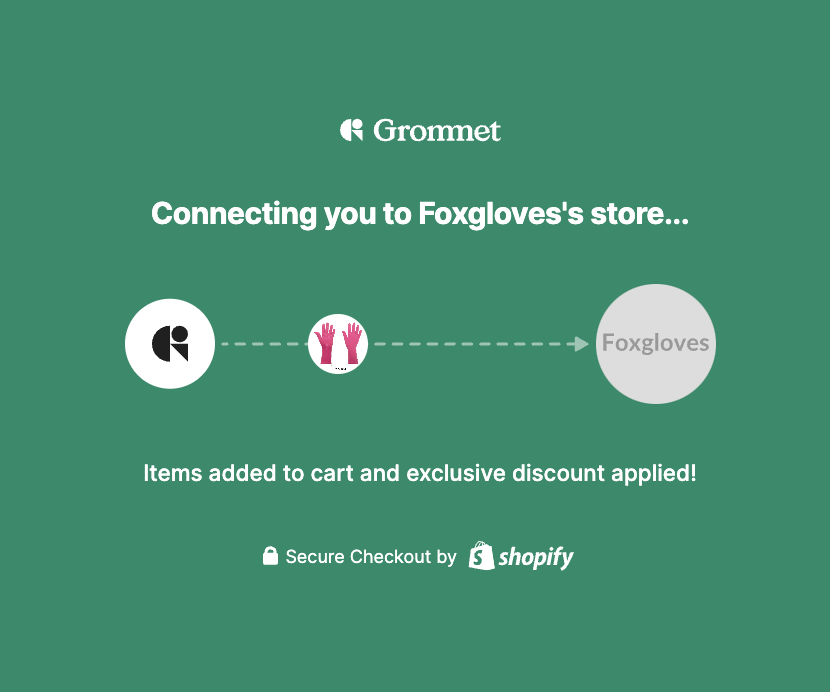
Still not sure what’s new? Here’s a quick rundown:
Our New Buying Experience Is Here!
You can now discover and purchase products on Grommet with ease.
Clear Pricing & Savings
Easily see how much a product costs and how much you’ll save with an upvote. It’s now easy to make informed purchase decisions.
Customize Your Order On Grommet
From colors to sizes and more – you can now select all of your product options directly on Grommet.
Auto-applied Discount Code
No more copying discount codes on Grommet then pasting them in Makers’ checkout pages. Now, click “Buy Now” on Grommet and you’ll go directly to the Maker’s checkout page with the discount code already applied!

Ready to test out this streamlined buying process for yourself?
Let’s get shopping!
Head over to the Trending feed to see what our Makers are up to now! Thank you, Grommet community for continuing to help us reach new milestones We’re always interested to hear how we can make Grommet better than ever!

I preferred the copy and paste because I could window shop on my phone but all of my purchases are done on my laptop. I could just send myself the code when I was ready to purchase.
Hi Ruth,
All of your codes will still be saved in your “My Votes” when you’re ready to purchase from your desktop. So you can upvote from mobile and they’ll automatically be saved in your My Votes for later!